

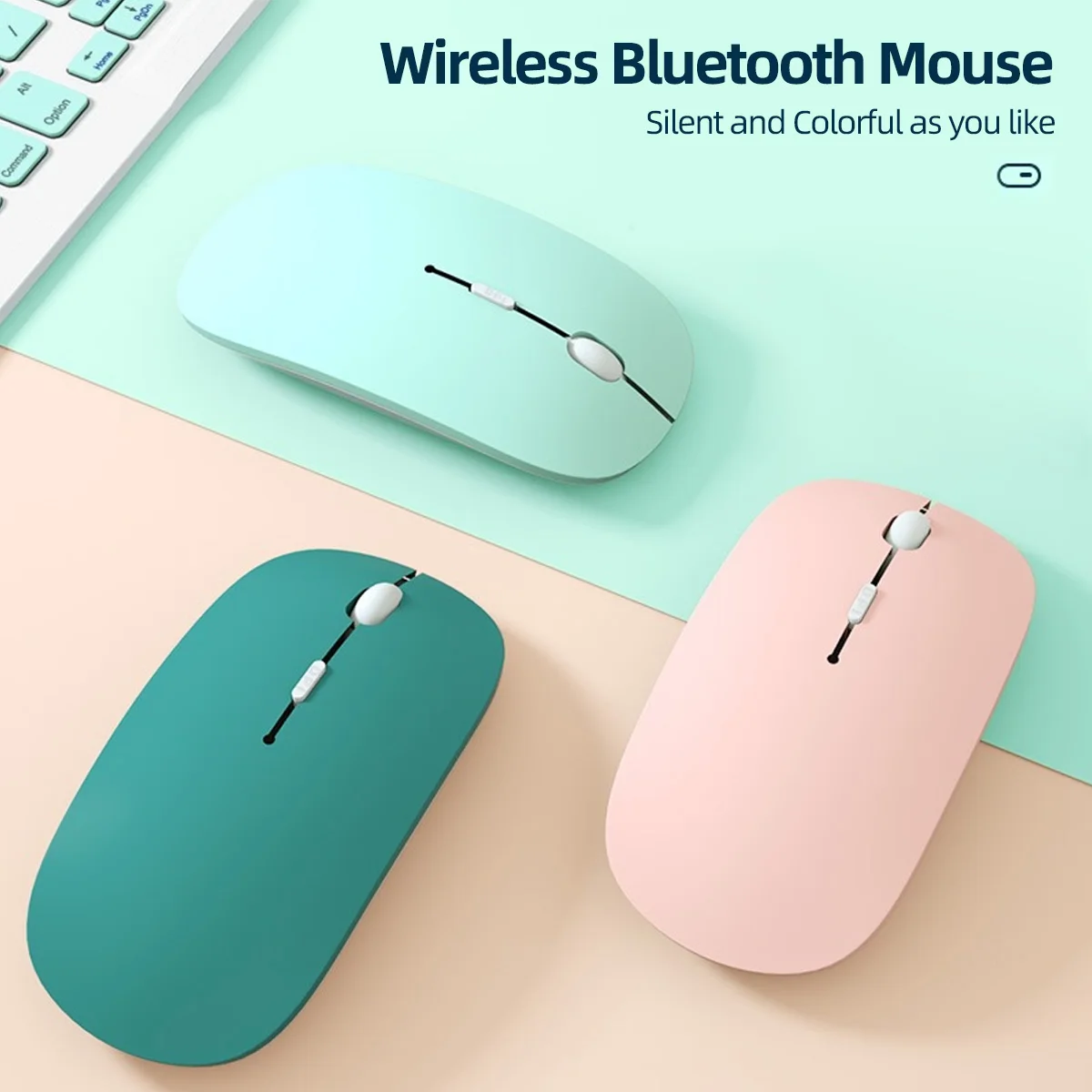
Wireless Bluetooth Mouse For iPad Samsung Huawei Lenovo MiPad Android Windows Tablet Battery Mouse For Laptop Notebook Computer
black
€4,90
Skip to product information

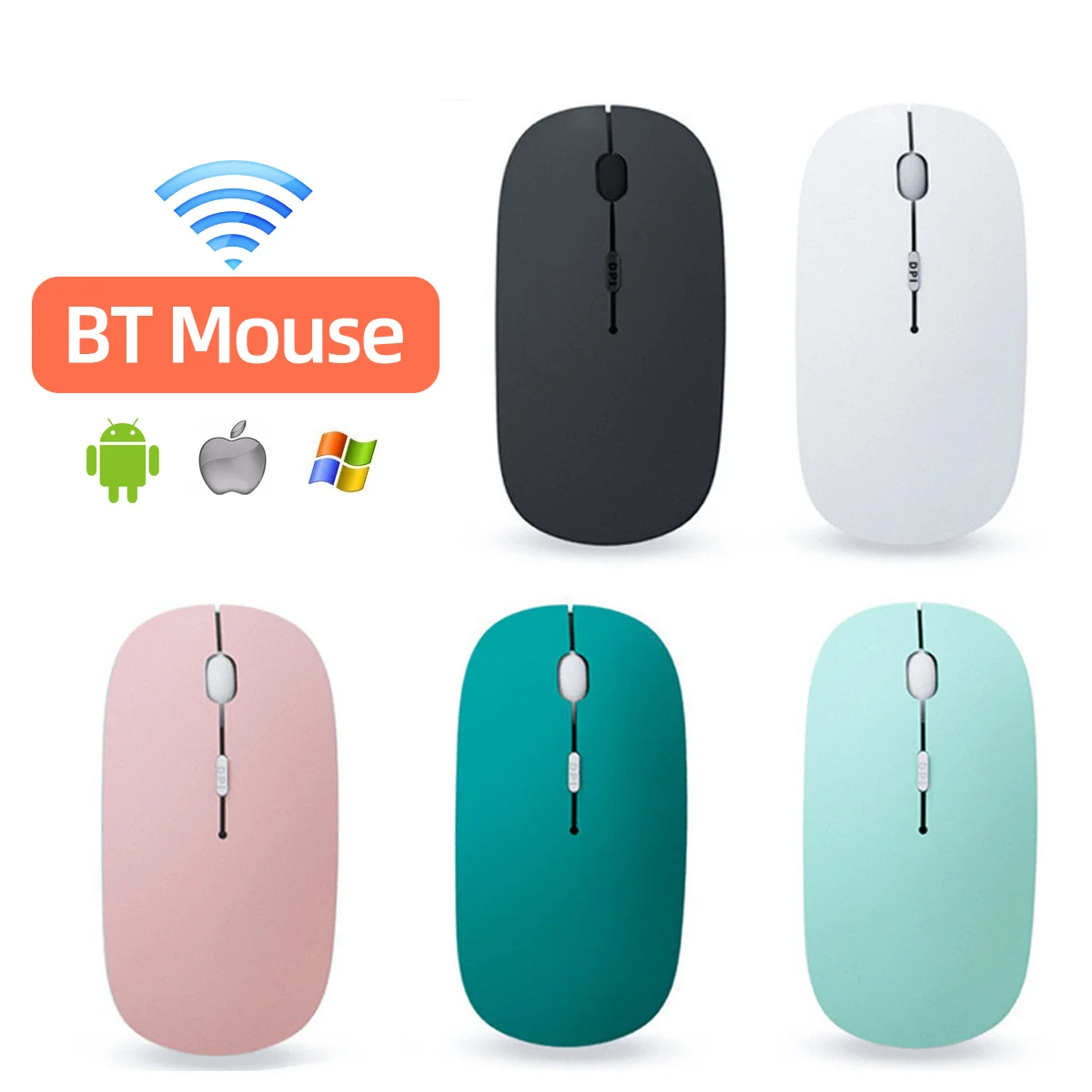


Wireless Bluetooth Mouse For iPad Samsung Huawei Lenovo MiPad Android Windows Tablet Battery Mouse For Laptop Notebook Computer
€4,90
SPECIFICATIONS
Battery Included: no
Brand Name: WHXMSH
Certification: NONE,CE,FCC
Choice: yes
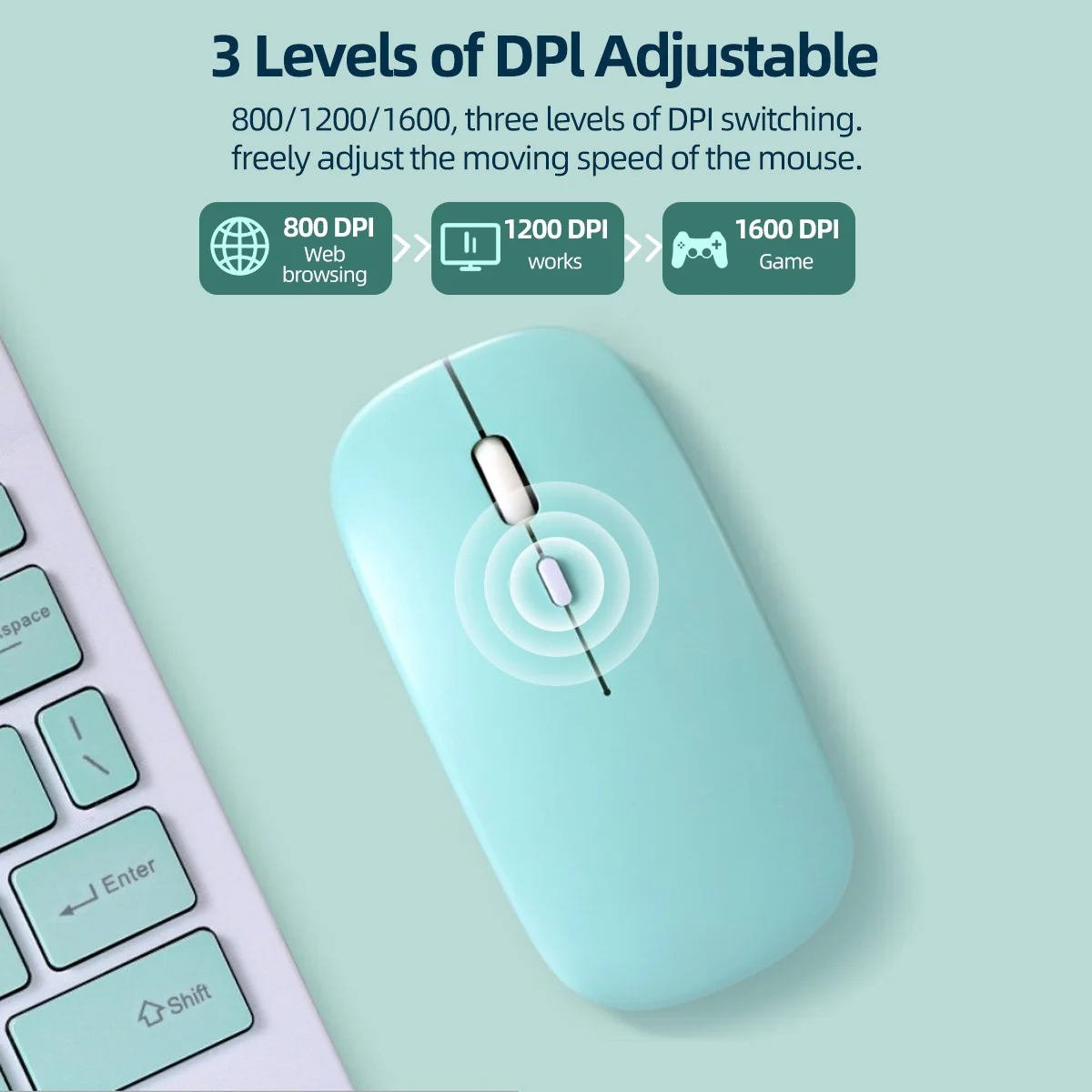
DPI: 1600
Gross Weight: 70
Hand Orientation: Both Hands
High-concerned chemical: none
Interface Type: Bluetooth
Number of Buttons: 4
Number of Rollers: 1 pcs
Operation Mode: Opto-electronic
Origin: Mainland China
Package: Yes
Power Source: Battery
Power Type: Battery
Time to market: Aug-13
Type: Bluetooth Wireless
Mouse Common Q&A (English Version)
Q1: Does this mouse come with batteries? What batteries does it need?
A1: This wireless mouse requires 2 AAA batteries to work. Please note that batteries are NOT included in the package, you need to prepare AAA batteries separately before use.
Q2: Why didn’t I receive a USB receiver with the mouse?
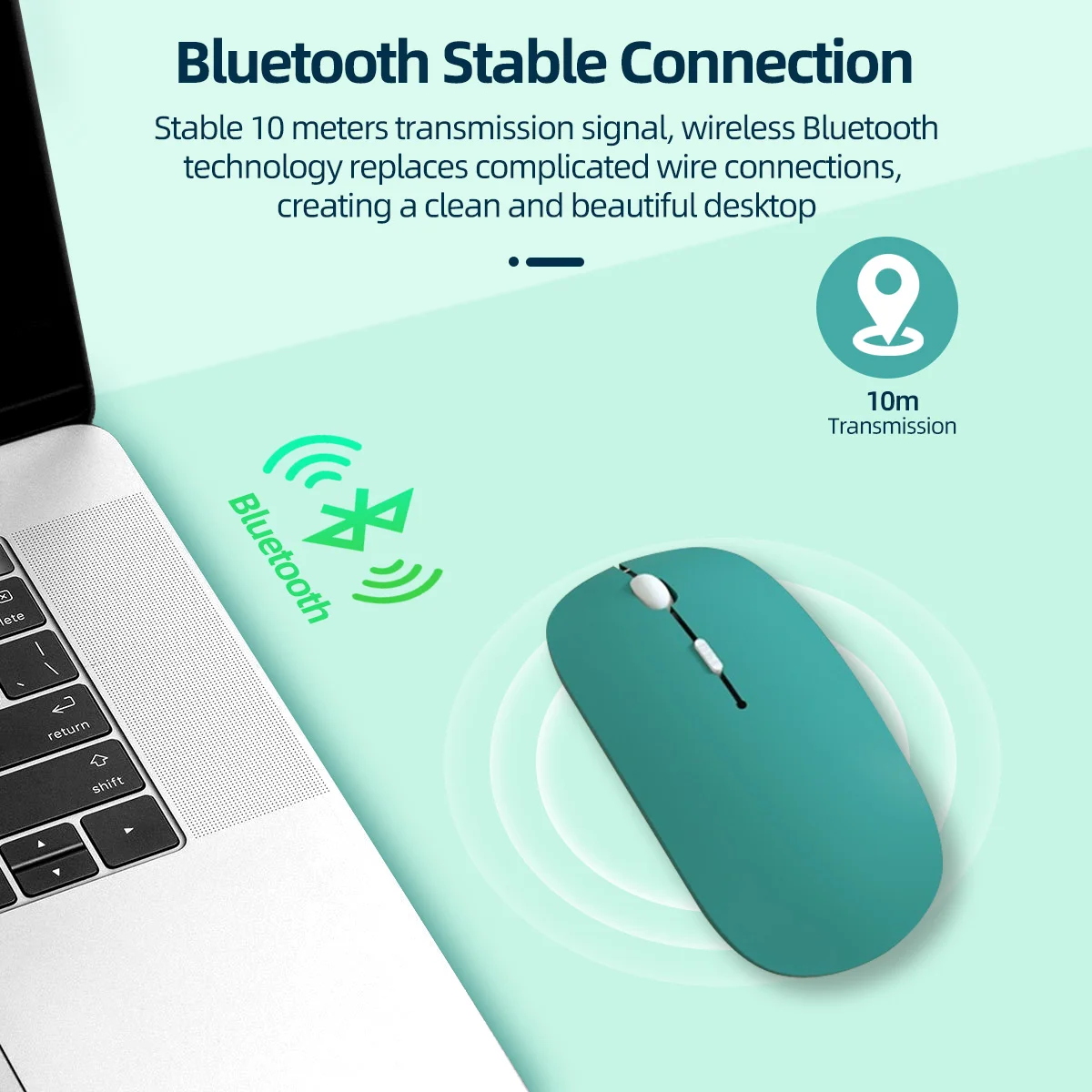
A2: This is a pure Bluetooth mouse, it does not use a 2.4G USB receiver at all. No receiver is needed for connection. Just make sure your laptop, tablet or desktop device has built-in Bluetooth function to pair directly.
Q3: My device cannot find the mouse via Bluetooth, the mouse won’t work, what should I do?
A3: This usually happens when the mouse is already paired and connected to another electronic device.
Solution: Long press the DPI button for several seconds to clear the old Bluetooth connection record. Then turn on Bluetooth on your current device and search for the mouse to re-pair normally.
Q4: What’s the difference between this Bluetooth mouse and 2.4G wireless mice with a receiver?
A4: 2.4G mice need a USB receiver plugged into your device, while our mouse adopts Bluetooth connection. It pairs directly through your device’s built-in Bluetooth module without any extra receiver.
Q5: The mouse can’t be detected after switching to a new computer, how to fix it?
A5: The mouse may still connect to your previous device. Press and hold the DPI key for a few seconds to reset its Bluetooth pairing memory, then search Bluetooth on your new device to reconnect.
Q6: Can I use the mouse right after unboxing?
A6: No. First install 2 AAA batteries (batteries not included). If it was connected to another device before, long press DPI button to reset Bluetooth, then pair it with your device’s Bluetooth.
Please read before buying !!!
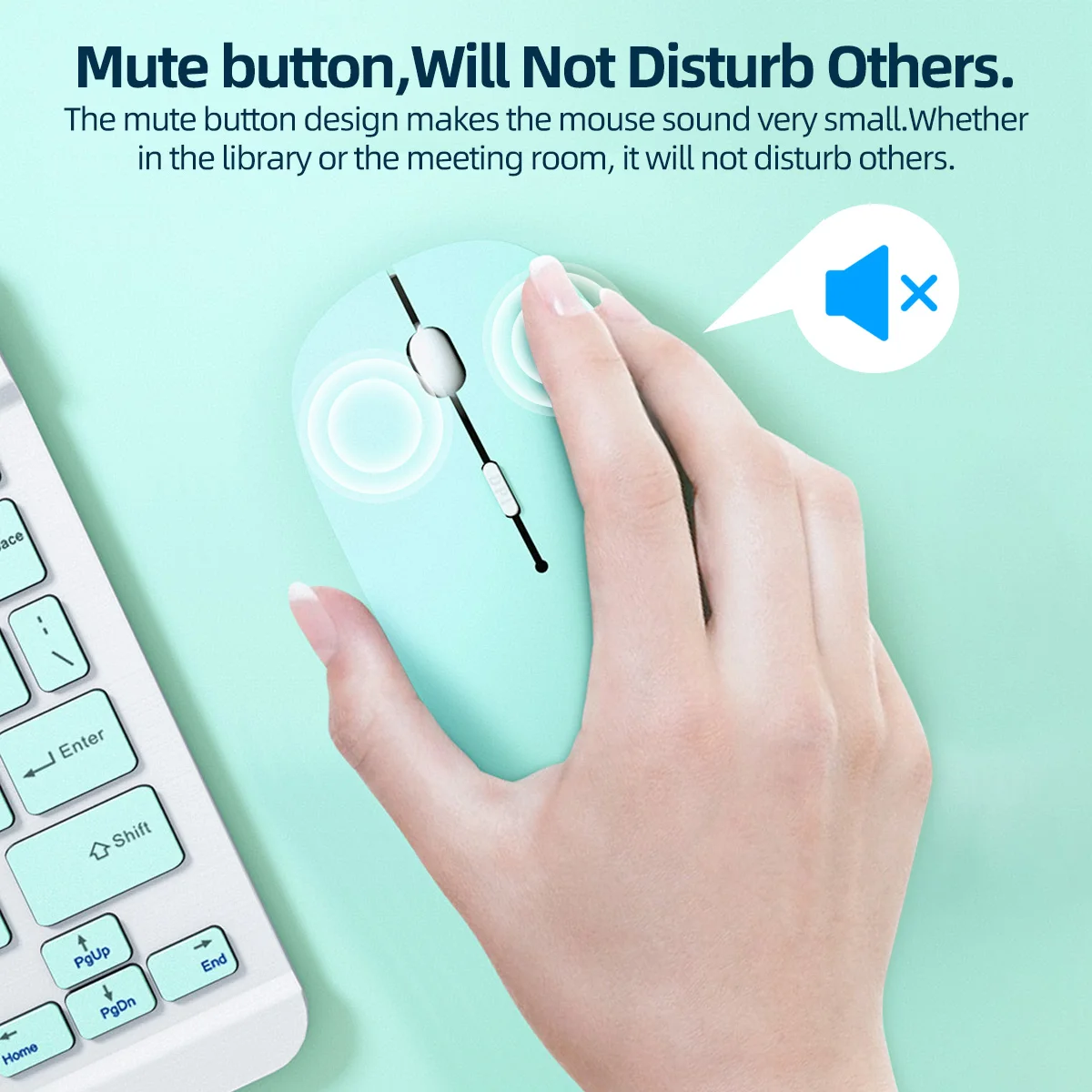
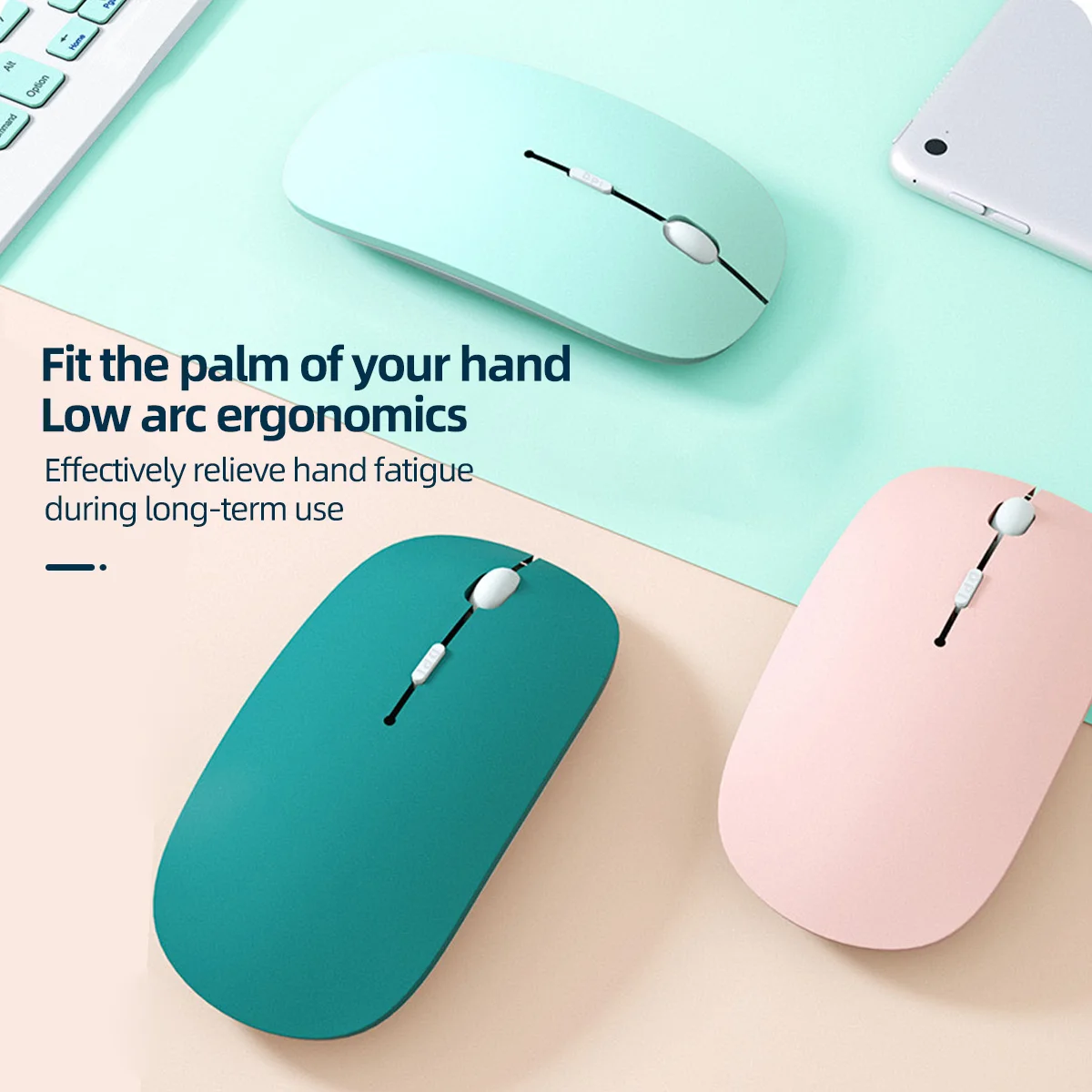
-Colorful Battery Bluetooth Mouse(without receiver, delivery without battery).
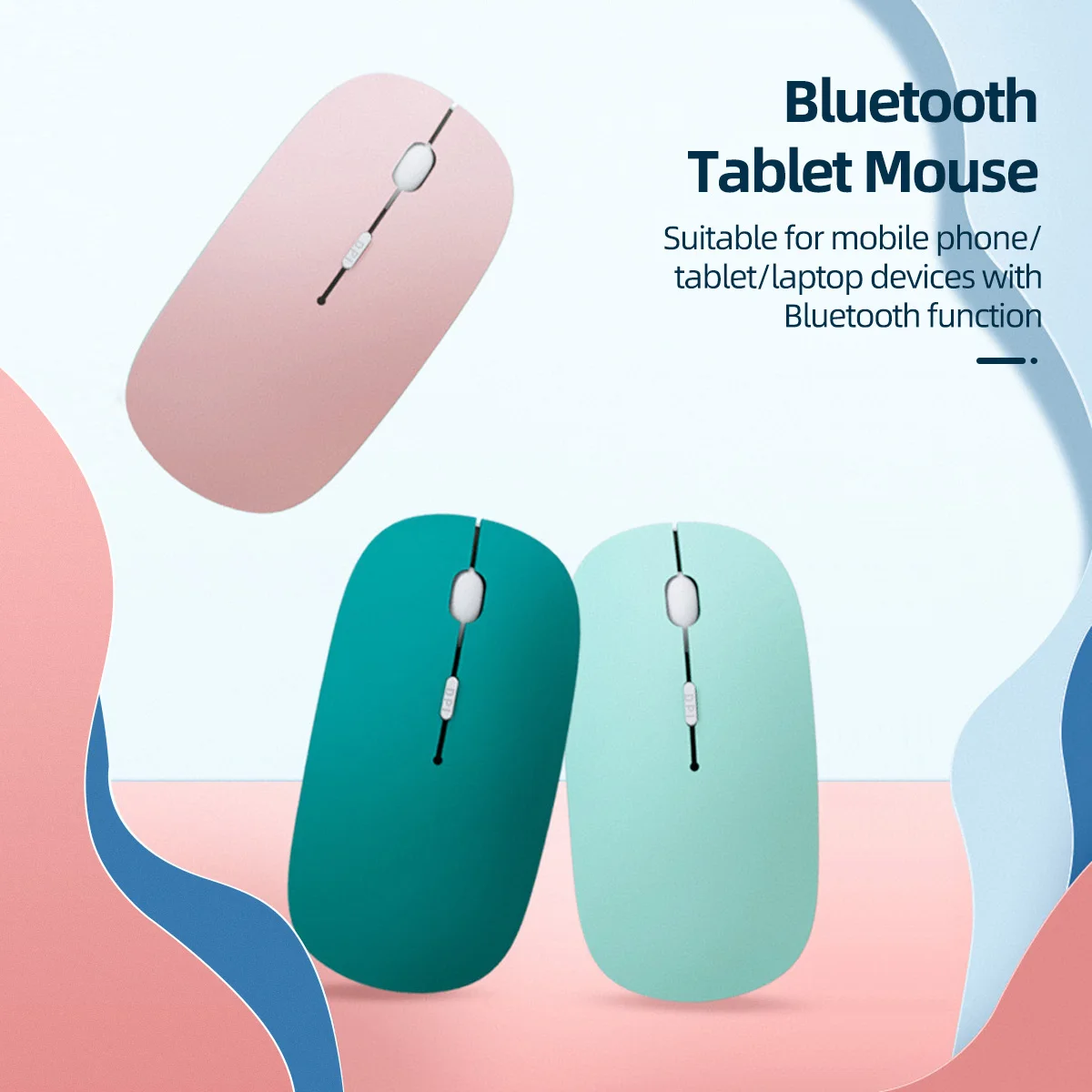
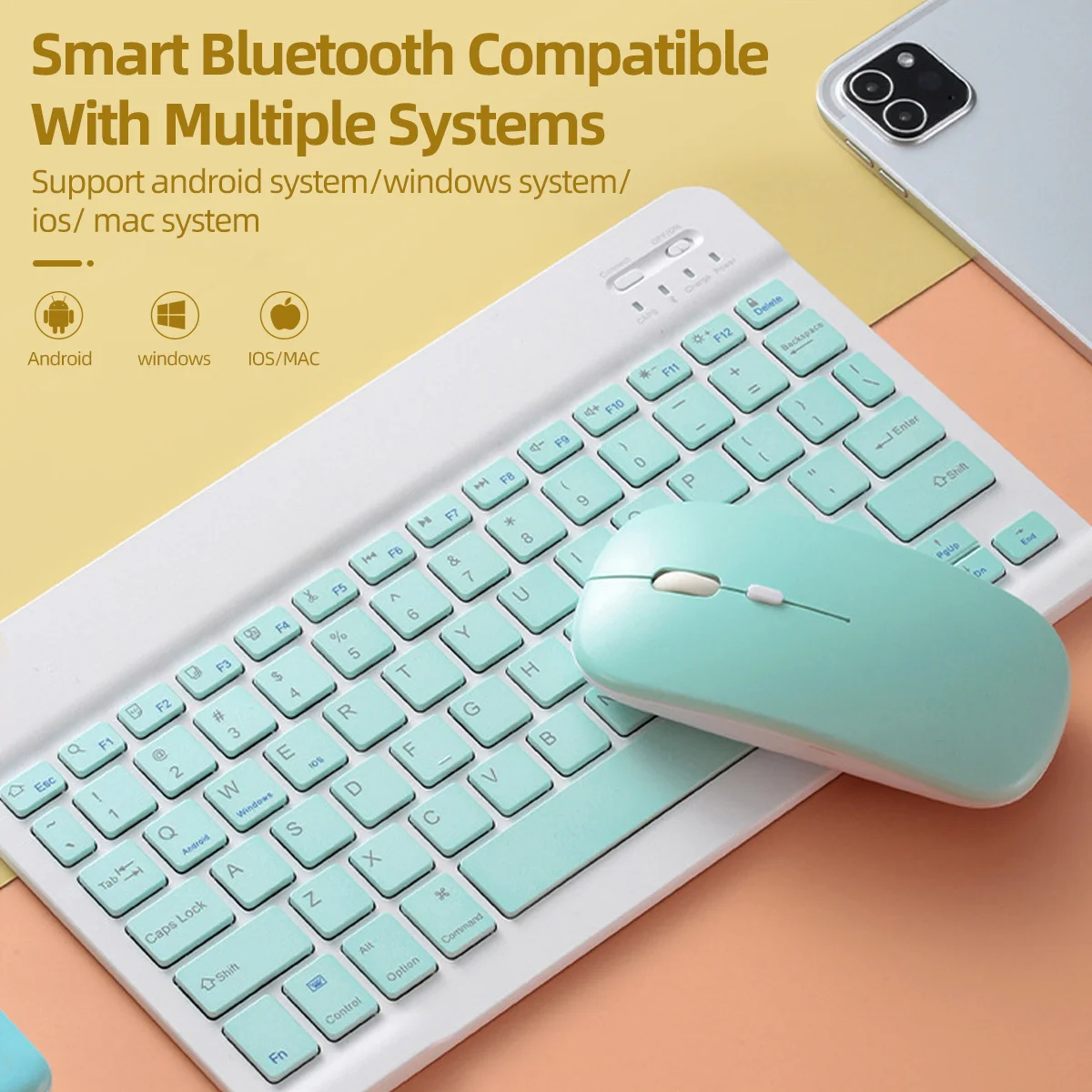
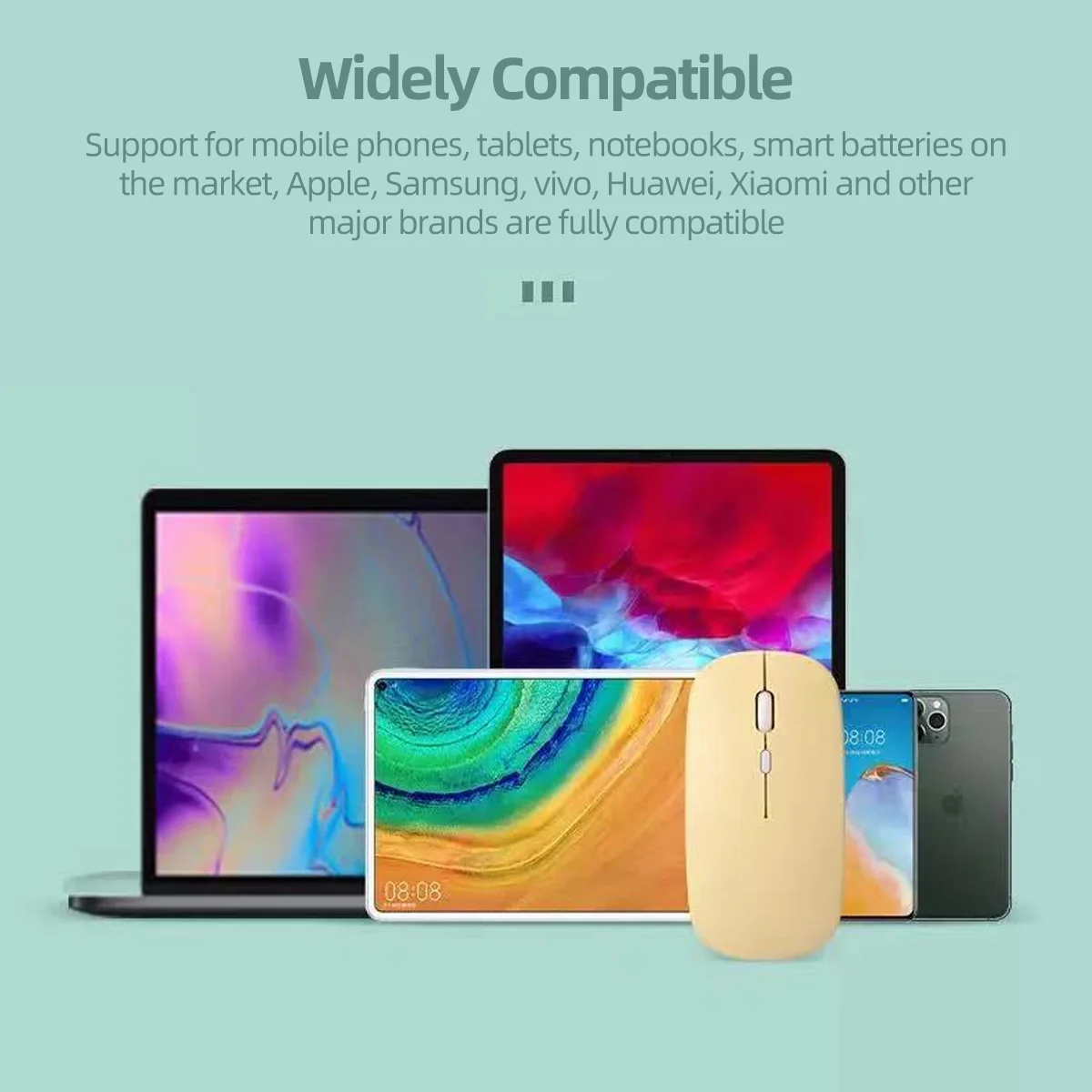
-Support smart mobile phones and tablets with BT function.
-For ipad system requires for ios13 or above. Bluetooth is only available for Windows system win10 version and above.